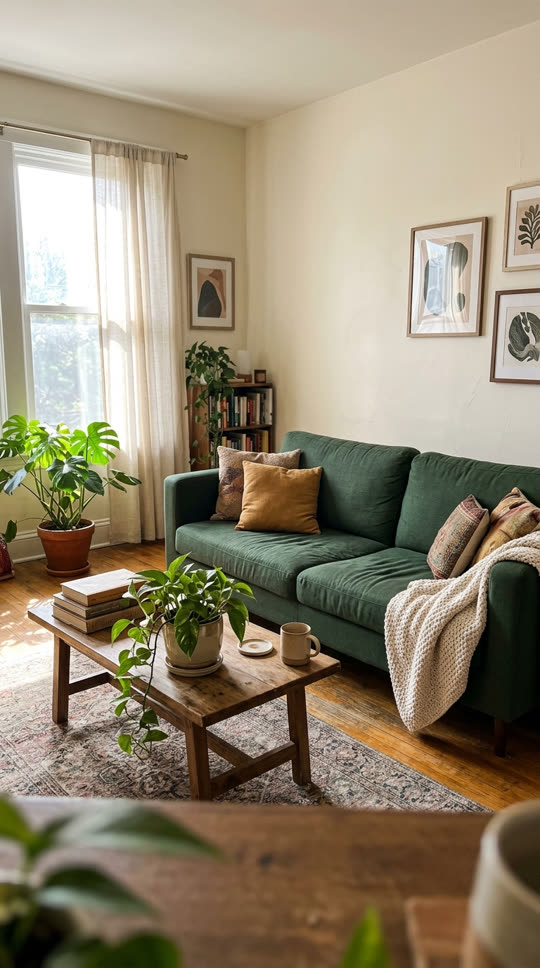

What the levitate template does
The levitate template switches off gravity in your photo. Objects slowly lift from the floor, shelves and tables and drift in the air, while the camera pushes in a little. It turns an ordinary room photo into a dreamy, slightly surreal clip.
Each run makes one 5-second 720p video with ByteDance Seedance 1.0 Pro image-to-video. The template is about levitating things; it is not related to any app or company with a similar name.
Photos that work best




Rooms, desks, bookshelves, kitchens and gardens with plenty of separate objects work best: books, cups, plants, cushions, fruit or toys. Wide shots with good light let you see what is floating.
Photos of people are not supported by this template. Keep people out of the frame.
Ideas to try
Float a messy desk for a study-break post, lift a bakery display for a shop promo, or levitate a moving-day room full of boxes. Edit the prompt to choose what floats: "only the books float", "everything spins slowly in the air" or "the objects float and then fall back down".
What to expect
Large furniture may stay put while smaller things float, and objects can change shape slightly as they move. Run it again or name the objects in the prompt for more control. If a generation fails or is blocked by our content checks, its credits come back automatically.
Related templates
Rooms also look great when you make it snow outside the window in a street photo.
For a single object, the explode effect turns it into confetti.