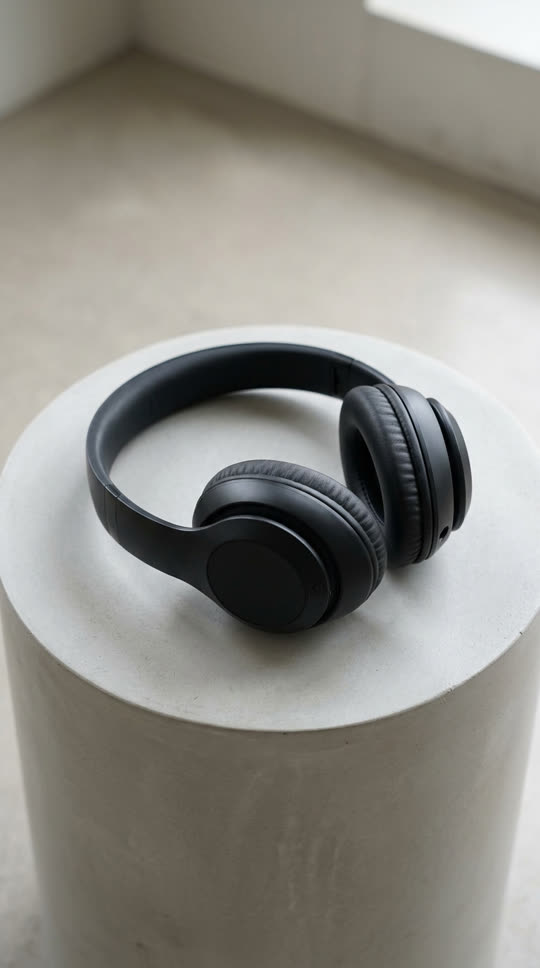

What the product 360 template does
This template turns a single product photo into a short studio-style video: the product turns slowly on its stand while soft light glides across it, like a turntable shot from an ad. It is a quick way to add motion to a product page, a marketplace listing or a paid social ad.
Each run makes one 5-second video at 720p using ByteDance Seedance 1.0 Pro image-to-video. The model invents the sides of the product it cannot see, so treat the back view as illustrative and check it before you publish.
Product photos that work best
Use one product, centered, on a plain or studio background with room around it. Sharp focus and even lighting matter more than resolution. Simple, symmetrical items such as bottles, headphones, shoes, mugs, watches and cosmetics spin most convincingly.
Avoid photos with text-heavy packaging if exact lettering matters, because AI video can blur or alter small print. Do not use products, logos or trademarks you do not own or have permission to show.
Where to use the video
Add it as the first media item on a product page, loop it in a TikTok Shop or Instagram post, or use it as the opening shot of an ad. A vertical photo gives a vertical video for Reels and Shorts; a square or landscape photo keeps that shape.
You can edit the prompt to change the mood: "on a sunlit kitchen counter", "with a slow push-in" or "half a turn instead of a full spin".
What to expect
Reflective, transparent or very thin products are the hardest to keep stable, and fine details can drift during the spin. Generate a couple of versions and keep the best. If a generation fails or is blocked by our content checks, its credits come back automatically.
Related templates
For playful product teasers, melt your product or put it under the hydraulic press.