
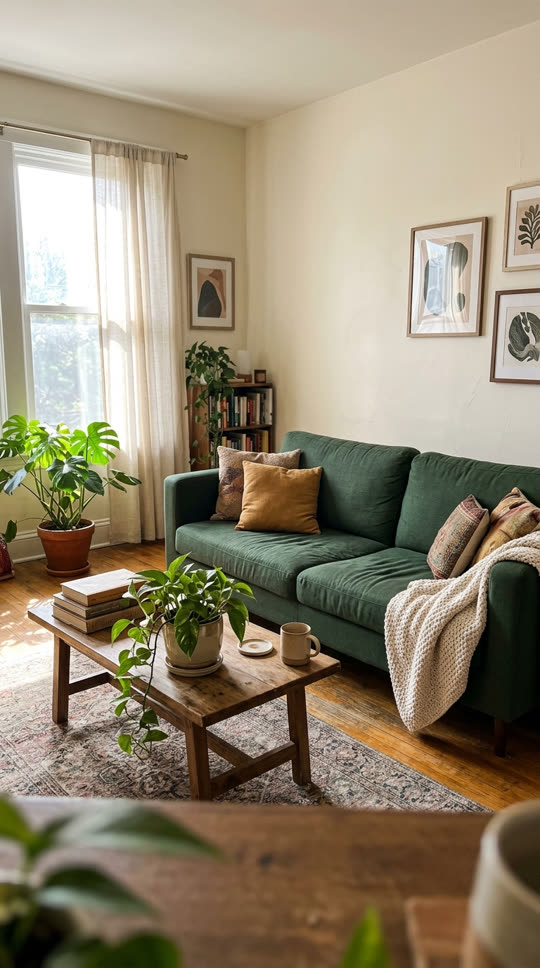
Photo to video and image to video, one click away

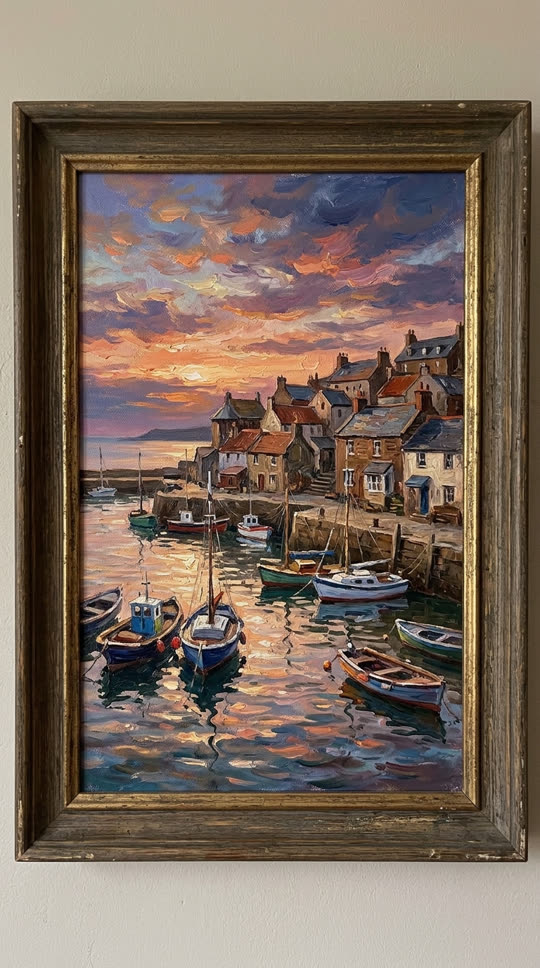

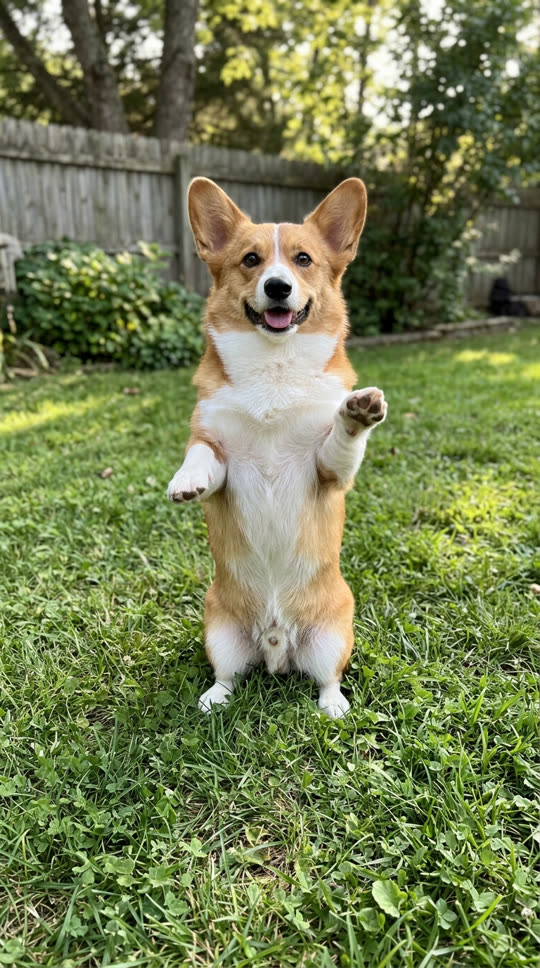
Pick a template, add one still image and VidStride animates it into a 5-second 720p video with sound, using xAI Grok Imagine Video 1.5. Photo to video and image to video mean the same thing here: a phone photo, a product shot, an illustration, an AI image or a straight-on picture of a painting all work as the starting frame. The video keeps the framing of your image.
It is not a slideshow maker: it does not stitch several photos together or add transitions and music tracks. It makes one image move.

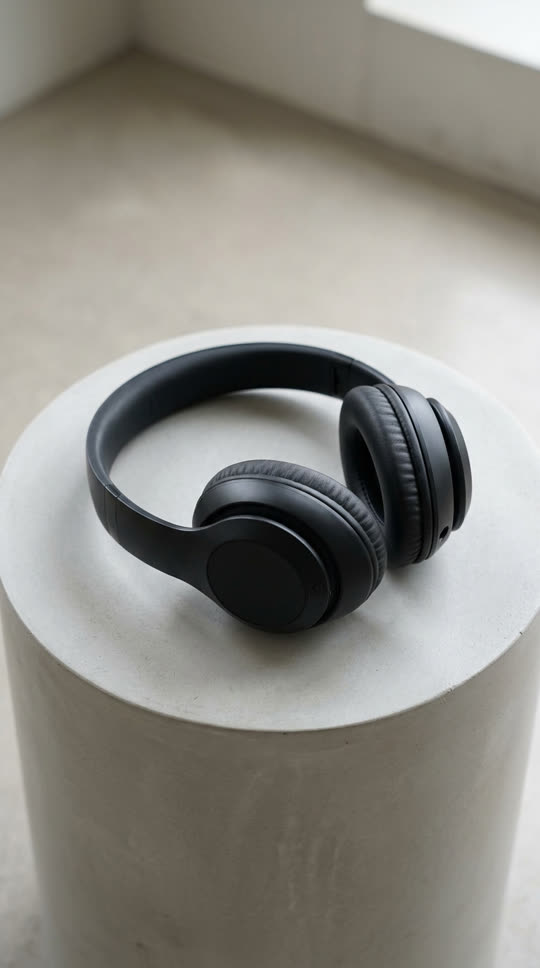
Every template also has its own page with more results: try pet dance, product 360 spin and animate painting.
Photos that work best
Pick a sharp, well-lit photo with one clear subject and some space around it. Busy scenes with many small subjects, heavy blur and tiny text tend to warp, and text or logos may change, so check them before you publish.
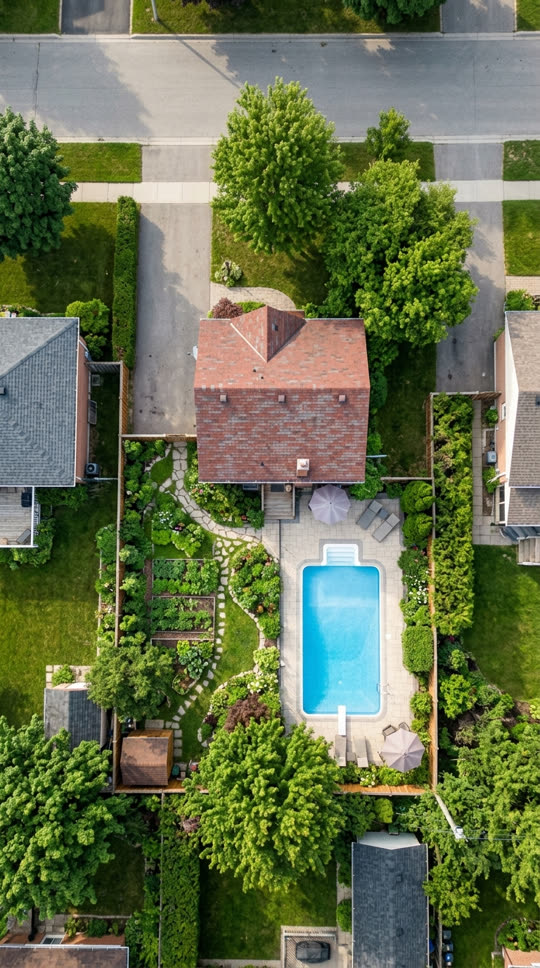
Pets, products, objects, artwork and places are supported. Photos of real people are blocked before a run starts. Upload only images you have the right to use; prompts and photos are screened before a run, and sampled frames of every video are checked before you can preview it.
Writing your own motion
On the Photo to video tab, name the subject, then one main action and one camera move: "the cat turns its head and blinks, slow push-in" or "waves roll onto the beach, clouds drift, static camera". Five seconds is short, so several unrelated actions are often blended or dropped. Say what must stay still, for example "the frame and the wall stay still".
For more prompt patterns, read the AI video prompt guide.